CareNest: Navigating the Cancer Journey
Role
UX/UI Designer, Researcher, Visual Designer
CareNest is a mobile app designed to help cancer patients navigate the overwhelming amount of information that comes with a diagnosis.
As a creative director working in cancer clinics, and with a close friend going through treatment at the time, I saw firsthand how isolating and confusing the experience could be. I wanted to design something that felt less like a medical tool and more like a companion.
CareNest combines clear information architecture, emotional support features, and thoughtful organization to help patients feel less alone in their journey.
Receiving a cancer diagnosis is overwhelming. Beyond the emotional weight, patients are immediately flooded with complex medical information, treatment schedules, and decisions that feel impossible to navigate alone.
This confusion can lead to mismanaged care, missed appointments, and stress that compounds an already difficult experience.
CareNest was designed to cut through that noise and give patients a clear, calm, and supportive place to manage their journey.
The Problem-


Constraints
Medical Complexity: Balancing simplicity without compromising on critical health information
Diverse Users: Accommodating different levels of digital and health literacy
Data Privacy: Designing within the strict limits of HIPAA and medical confidentiality
User Personas
-

Mike
Newly diagnosed patients feeling overwhelmed by treatment complexity
“I just want to focus on getting better for my family, without getting lost in all the confusing medical details.”
-

Sarah
Cancer survivor whose cancer returned after remission, balancing treatment with work and family life
“I’ve been through this before, but this time it feels harder to manage everything. I need something that helps me stay organized and calm.”
-

Maria
Family caregiver helping a loved one navigate cancer treatment
“Between planning events and taking care of my dad, I need a simple way to keep everything organized. I don’t have time for anything complicated.”
User Flow
The user flow for CareNest was designed to reduce friction and emotional overwhelm by leading patients through clear, supportive pathways. Each stage focuses on easing access to care-related tasks and information without requiring technical expertise.

Design Patterns
To address the core challenges cancer patients face, I developed two key design patterns that form the foundation of CareNest’s experience. Each pattern was chosen to reduce cognitive load and make critical information feel manageable rather than overwhelming.
Categorized Information Architecture
Organizes cancer-related content into clearly labeled sections so patients can find what they need without feeling lost.
Purpose: Organize complex medical content into digestible, clearly labeled categories
Problem Solved: Reduces cognitive overload and creates a clear, navigable structure for patients managing large amounts of health information
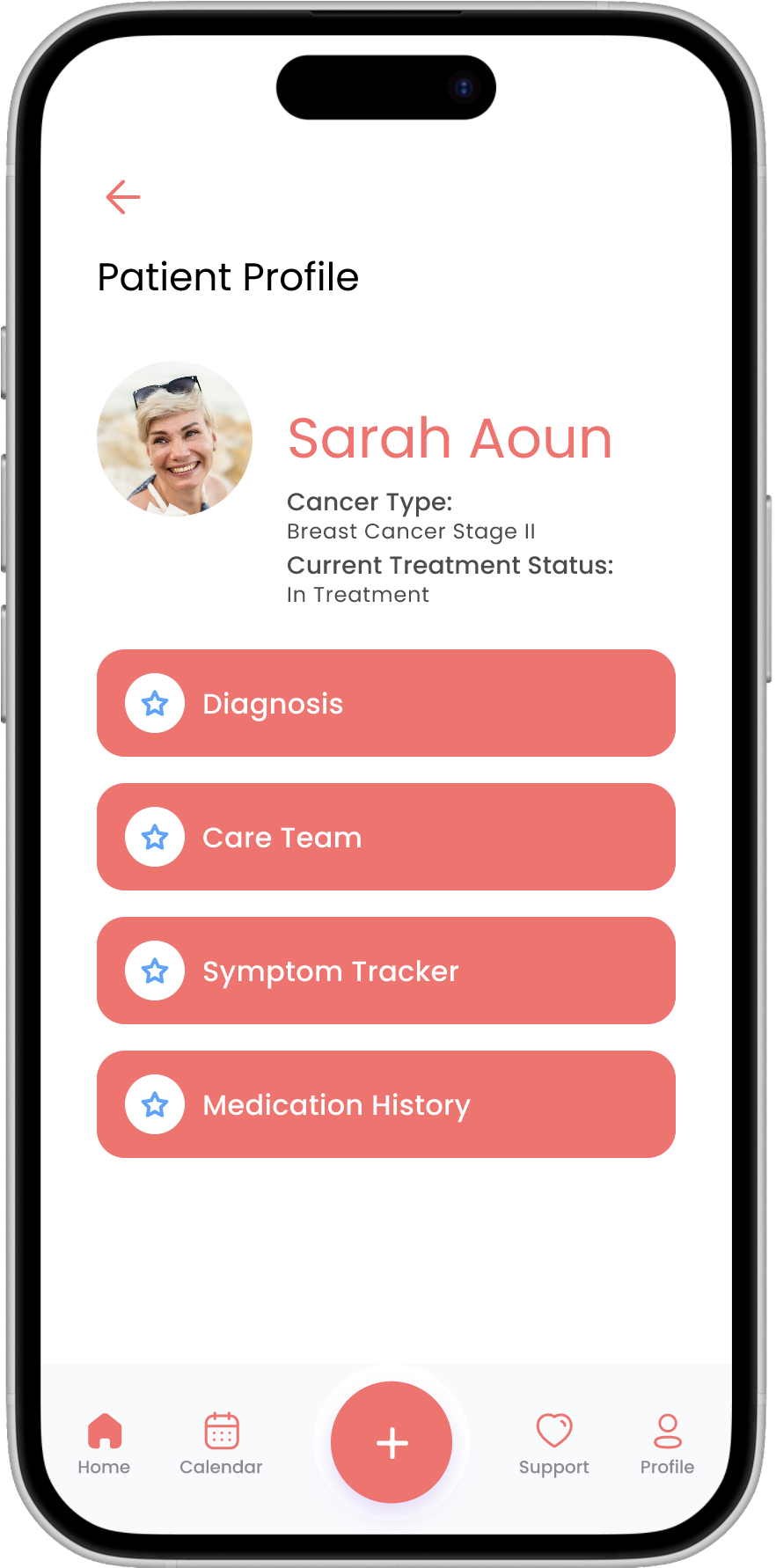
Design Decision: The app is organized into five distinct categories: Home, Calendar, Support, Profile, and a Health Tracker, each accessed through a persistent bottom navigation.
The home screen surfaces daily priorities like the Mental Health Check-In and reminders. The profile centralizes medical information including diagnosis, care team, and medication history. Support provides curated resources. The calendar manages appointments by type. A quick-add button lets patients log feelings, symptoms, medications, appointments, and medical files from anywhere in the app.
Mobile Cancer Care Event Calendar
A visual calendar system that helps patients track appointments, treatments, and medications in one place.
Purpose: Help patients stay on top of their treatment schedule without feeling overwhelmed
Problem Solved: Reduces mental load by presenting medical schedules in a simple, color-coded, accessible format
Design Decision: Appointment types are color-coded by category including Oncology, Radiology, Surgery, and Radiation so patients can scan their schedule at a glance. Each day on the calendar displays color-coded indicators showing which appointment types are scheduled, allowing patients to quickly identify what they have coming up even when multiple appointments fall on the same day.
Each appointment includes key details such as date, time, location, and preparation notes so patients arrive informed and ready. From the appointment view, patients can also reschedule or set a reminder directly, keeping all appointment management in one place.



Prototype
The high-fidelity prototype was built in Figma, bringing together the full CareNest experience across onboarding, health tracking, appointment management, and emotional support. Every screen was designed to feel warm, clear, and supportive, reflecting the needs of patients navigating a difficult journey.


Visual Identity
Every visual decision in CareNest was made with intention. The goal was to create a brand that felt warm, approachable, and hopeful. A deliberate departure from the clinical, sterile aesthetic typically associated with medical applications.
Logo
The CareNest logo combines two meaningful symbols. The ribbon references the universal symbol of cancer awareness, while the layered waves form the shape of a nest, directly tied to the app’s name and its core promise of care, protection, and support. The logo was designed from scratch to reflect the warmth and humanity at the heart of the app.
Color Scheme
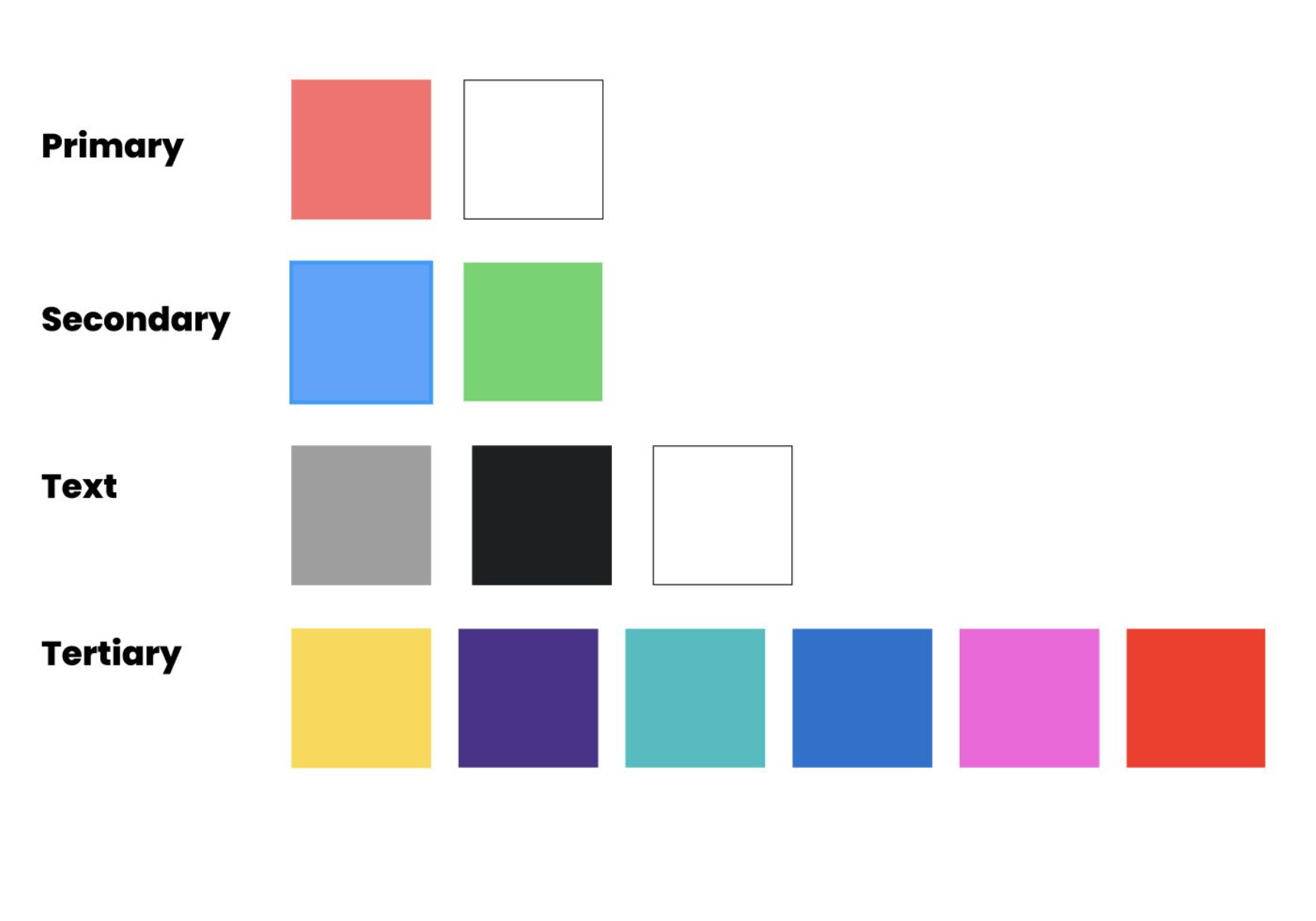
Cancer is often associated with heaviness and uncertainty. The color palette for CareNest was chosen to counter that. Bright, warm coral serves as the primary color, bringing energy and optimism to every screen. Blue and green secondaries add balance and calm, while a rich tertiary palette of yellow, purple, teal, and pink is used to color-code appointment types, making information easy to scan at a glance.
Typography
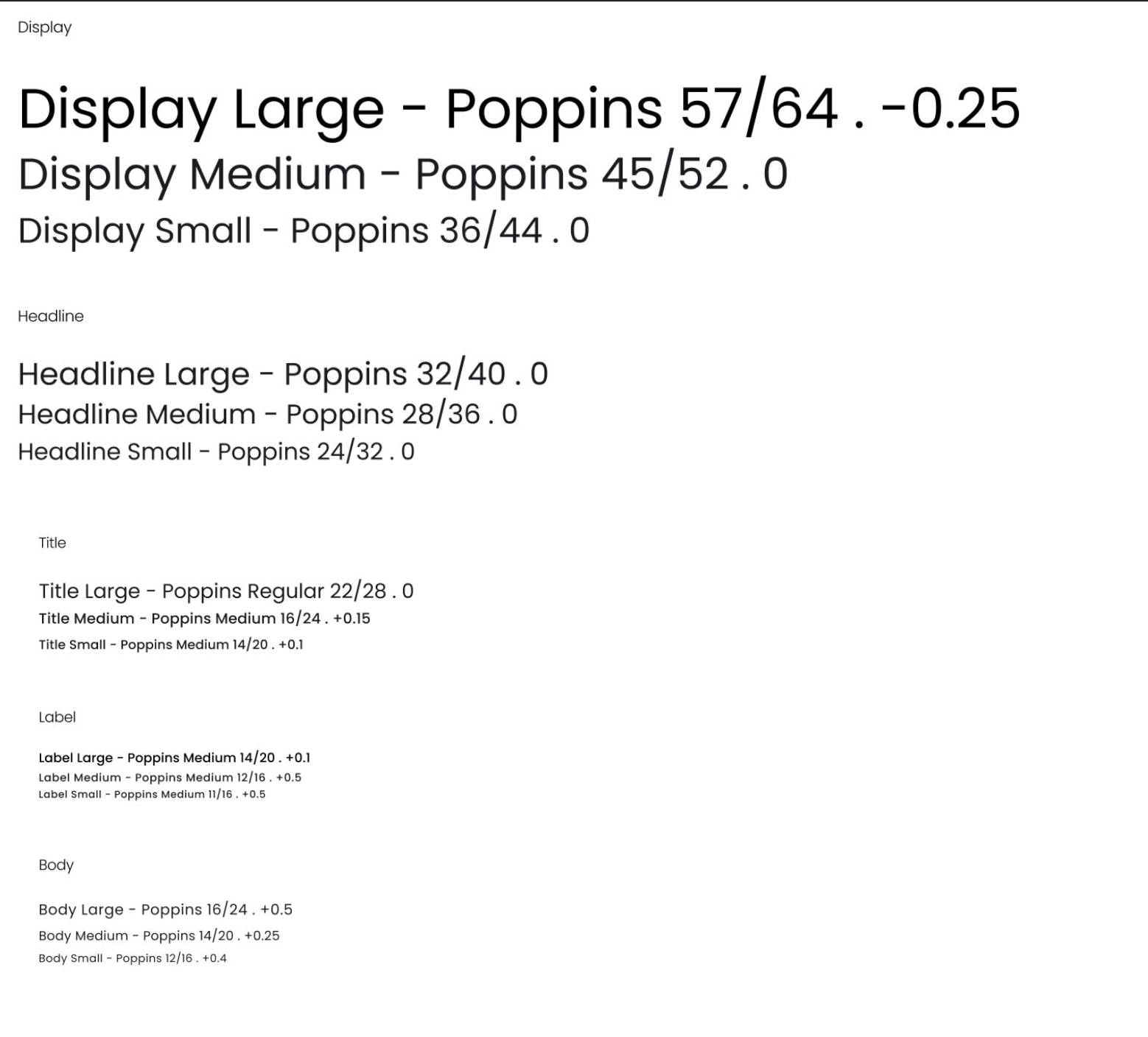
Poppins was chosen as the primary typeface for CareNest. Its rounded letterforms give the app a warm, approachable feel rather than a clinical one, while remaining highly legible across all screen sizes and type scales.
Icons and Graphics
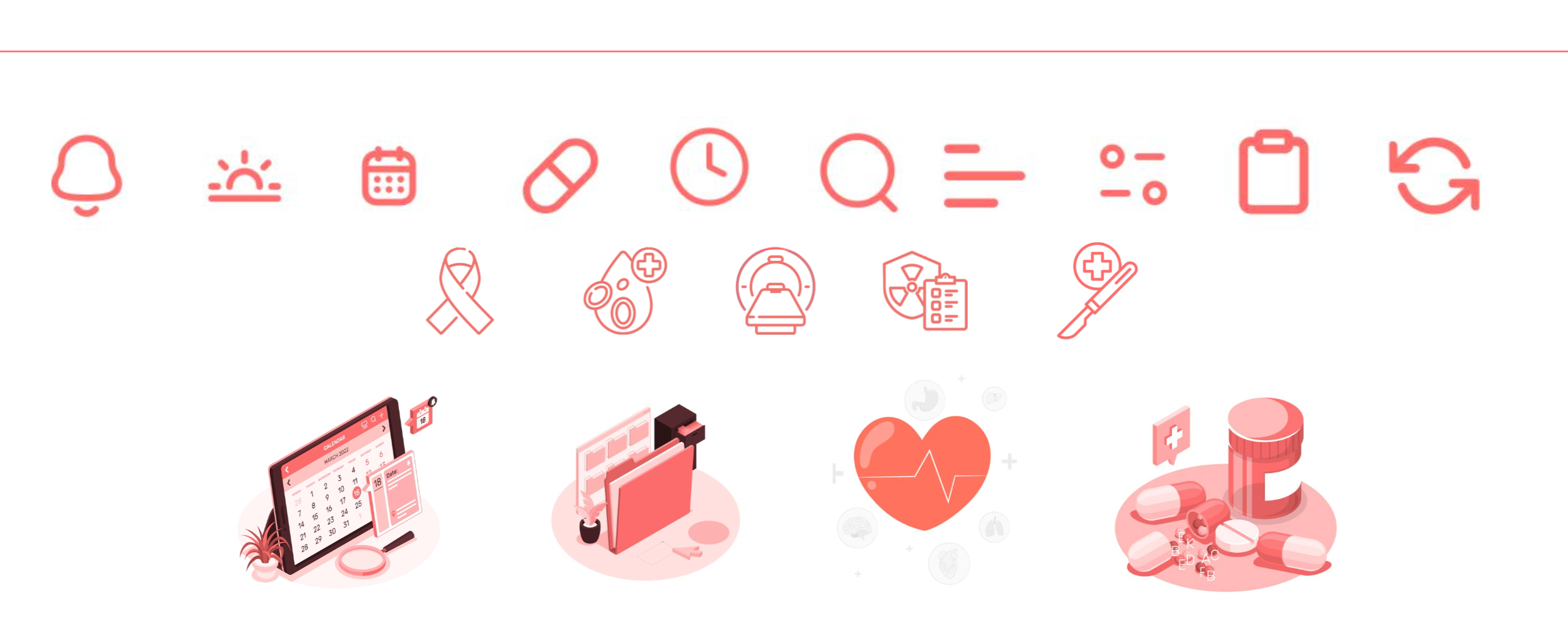
The icon set was designed to feel approachable rather than intimidating. Medical concepts like appointments, medications, and symptoms are represented through clean, simple line icons styled in the brand’s coral palette. Illustrated graphics are used throughout the app to add warmth and humanity to what can otherwise feel like a cold, clinical experience.
Reflection
CareNest started as a design project but became something much more personal. Working in cancer clinics and watching a close friend navigate treatment gave me a deeper understanding of what patients actually need. Not just information, but clarity, calm, and a sense that someone is looking out for them.
This project taught me that emotional accessibility is just as important as functional accessibility. The biggest challenge was finding the balance between giving patients the information they need without overwhelming them.
If I were to continue this work, I would explore deeper personalization features, health system integrations for appointment syncing, and expanded symptom tracking to give patients and their doctors a fuller picture over time.